This store is exclusively reserved for users in France. Please select your delivery country to access the store.

Frequently asked questions (FAQ)

After-sales service

Breakdowns, warranties, spare parts, technical assistance

Contact our after-sales service via the online form. Describe your problem in as much detail as possible (model, symptoms, environment). An advisor will get back to you promptly to guide you.

Yes, some spare parts can be supplied depending on the model and warranty status. Contact our After Sales Service to check availability and obtain personalized assistance.

You can reach our teams via the contact form ("After-sales service" section).

First check that the appliance is plugged in and that the door is closed properly. If the problem persists, contact our service department via the online form. Mention the model, serial number and describe the symptom ("no longer cold") for a quick diagnosis.

Some models may show an error code on the display (e.g. "HA", "P1", "LA"). See Error codes and alerts below to understand their meaning and the first checks to be carried out before contacting Customer Service.

Error codes and alerts

List of error codes and quick check procedures

➡ Check door closure, interior fan, and make sure the area is not overloaded. Do not stick boxes against the bottom.
➡ If the code persists after these checks, contact after-sales service.

➡ Check door closure and storage distribution.

➡ Check whether the turbine ( small top fan) turns when the door opens as well as when it closes.

➡ Check the thermostat setting and setpoint in the manual.

➡ Probe problem. Contact the after-sales service directly.

➡ This is not an error. Wait 60 seconds for the temperature to stabilize.

➡ Clean the condenser (often above or below the unit, depending on the model). Remove dust to allow proper heat exchange.

➡ Rechargeable batteries must be replaced (8 in total). Use the original models, respecting the polarities (+/-).

This message appears after several consecutive alarms. This does not mean that the cabinet is faulty, but that it has accumulated a list of alarms over a period of time. The system then forces the user to consult these alarms to check what has happened.

Steps to consult and acknowledge alarms :

  1. Press MENU to access the main menu.
  2. Using the ▲ or ▼ arrows, select ALARM LIST (m6), then confirm with the OK key.
  3. The display shows:
    • The total number of recorded alarms
    • If no alarms are detected, the message NO EVENTS is displayed
  4. Press the OK button again to display the details of each alarm.
    Use the ▲ or ▼ arrows to scroll through the list of alarms, from the oldest to the most recent.

Reading the information displayed :

A08 H +29°C 199'

  • A08: Alarm number
  • H / L / B: Alarm code
    • H = High temperature
    • L = Low temperature
    • B = Power failure
  • +29°C: Critical temperature reached during alarm
  • 199': Alarm duration (in minutes). In the event of a power failure, the duration is not indicated.

Alarm date and time :

By repeatedly pressing the OK button, you can also view :

  • S: Alarm start date and time
  • E: Alarm end date and time
S 14:10 24/08/06E 14:34 24/08/06

When you have finished viewing, press MENU several times to return to normal display.


Important: If ECT-F Control and DMPL Monitor are installed together, all controller alarms are inhibited and managed automatically by the DMLP Digital Monitor. Operating fault messages remain active.

➡ Click on the envelope or tool icon to acknowledge the fault.

Use, installation and maintenance

Practical tips for using and maintaining your equipment

Make sure the unit is placed in a stable, well-ventilated environment with no direct heat sources. Consult the manual for instructions specific to your model.

We recommend regular cleaning with a soft cloth and non-aggressive cleaning products. Avoid water jets or abrasive products. Consult the manual for maintenance intervals.

An audible or visual alarm often indicates an out-of-range temperature or a malfunction. Check the display and refer to the manual. If the problem persists, contact our after-sales service.

Check the door seal and fan, and make sure there are no ice plugs at the bottom of the refrigerator.

A slight noise is normal:

  • The interior fan stops when opening and restarts when closing.

  • The outside fan runs intermittently.
    If the noise is continuous, check the inner fan.

  • Adjust the stabilizing feet for a secure hold.

  • Check that the door does not hit any obstacles.

  • Clean the condenser regularly (see instructions).

Technical documents and manuals

Access to your device documentation

Operating instructions and technical documents are available on request via our contact form. Indicate the model of your appliance for fast PDF delivery. If the model is on our website, you'll find a documents section. To do this, use the search bar with your model reference.
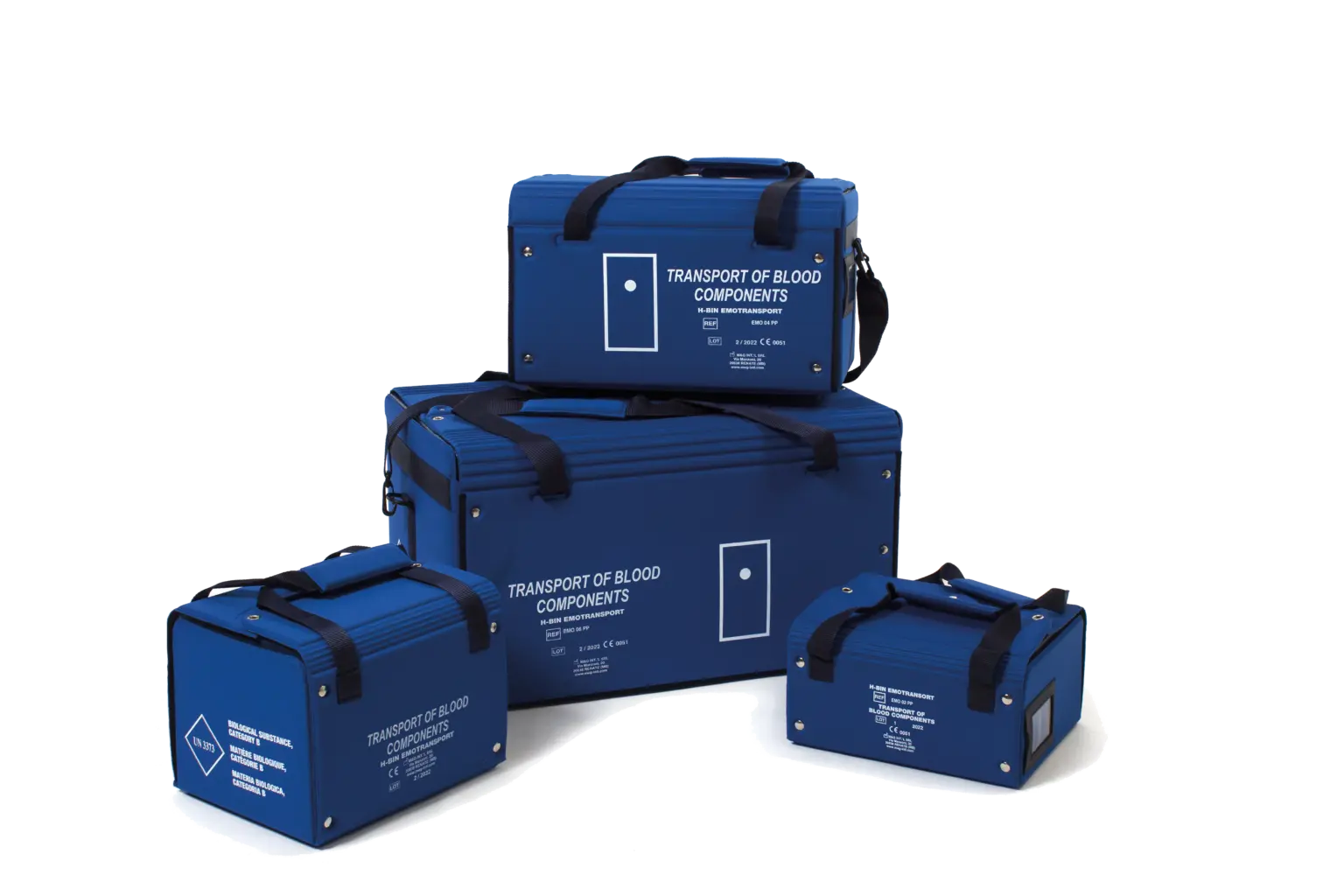
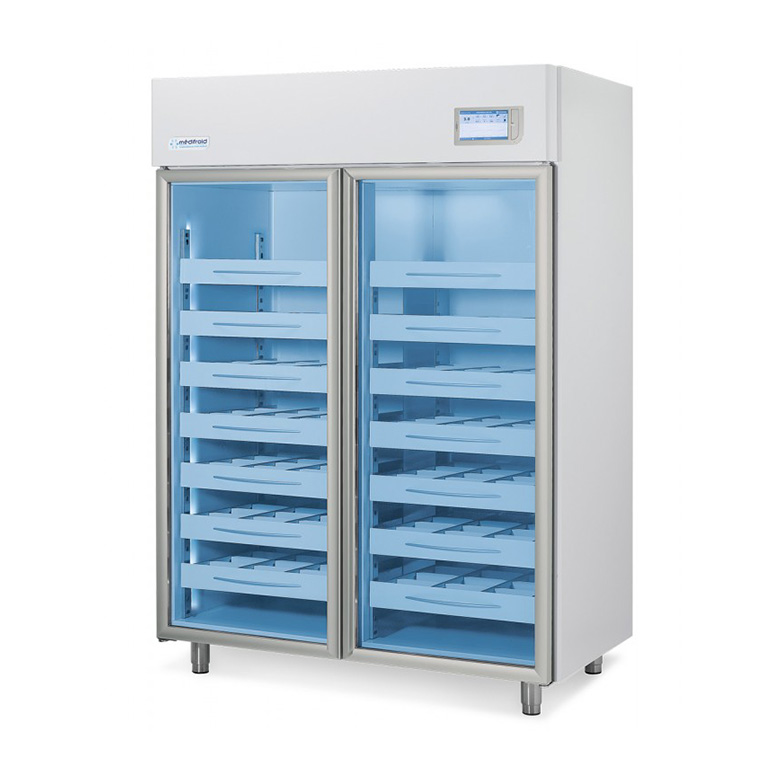
Yes, each product data sheet can be accompanied by a detailed technical document. You can request this via the quotation form or by contacting our team. If the model is on our website, you'll find a documents section. To do this, use the search bar with your model reference.

A dedicated procedure is available on request ("CHANGING THE PHAR 300-400 TIME"). Contact our After Sales Service to receive the updated manual.

Technical features & expert advice

Settings, traceability, temperature, safety

Our loggers and sensors enable precise temperature monitoring. Please consult our "Traceability" section to choose the right solution for your needs.

This may be due to the probe being frozen or incorrectly positioned. Check that the probe is in the center of the unit, not too close to the walls or glass. If the problem persists, contact your nearest Service Center.

Recorders must be installed correctly:

  • HUB positioned at least 3 m, 70 cm from the ground, ideally facing the unit.

  • Probes should face the HUB and be vertical.
    In the event of signal loss, disconnect the recorder for 30 seconds, then reconnect it.

Go to data.medifroid.com/login or on the Medifroid Cloud application (CTSCLOUD service). For technical questions, please contact our hotline on 05 53 80 85 99.

It depends on the type of product. As a general rule :

  • Vaccines: between +2 °C and +8 °C

  • Biological products: according to manufacturer's instructions
    Our experts can help you set up your equipment correctly.

Useful links

After-sales service and repairs

We respond to your requests within the hour, Monday to Friday, 9am to 5pm. For faster processing, please fill in the breakdown request form.

Advice, quotes or other requests

For advice, a quotation or any other request, our team is at your service. Fill in our contact form and we'll get back to you as soon as possible.

0
x
Product Comparison
Compare Now